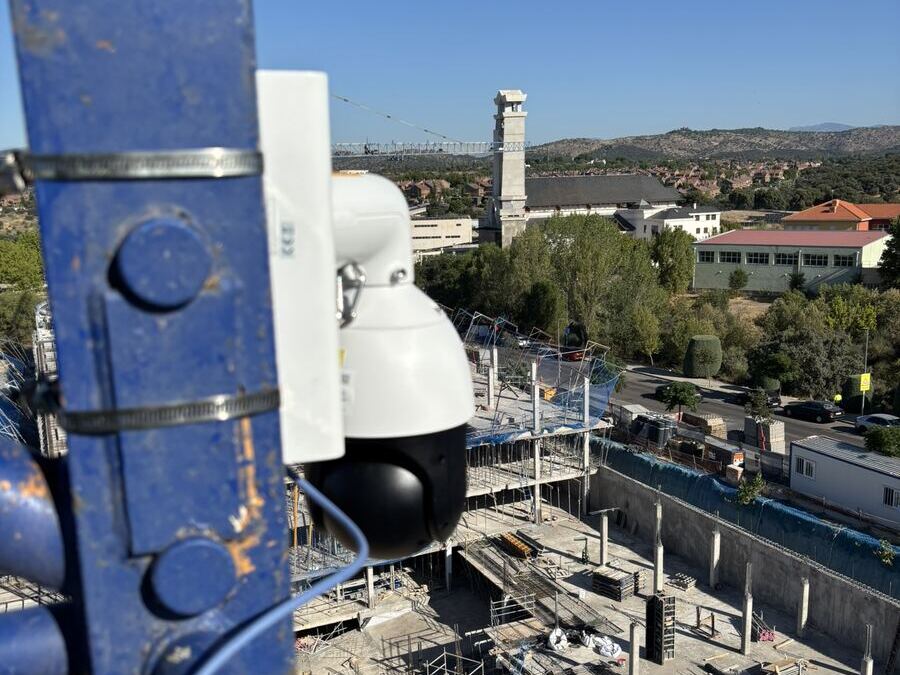
A camera on the crane
A 2K (4 MP) PTZ camera with 25× zoom on the mast. Sweep the whole plot, or zoom in on a single detail.
Industries / Construction
See how your site is progressing, live, from your computer or your mobile phone. No trips and no waiting for someone to send photos: the works are always one click away.
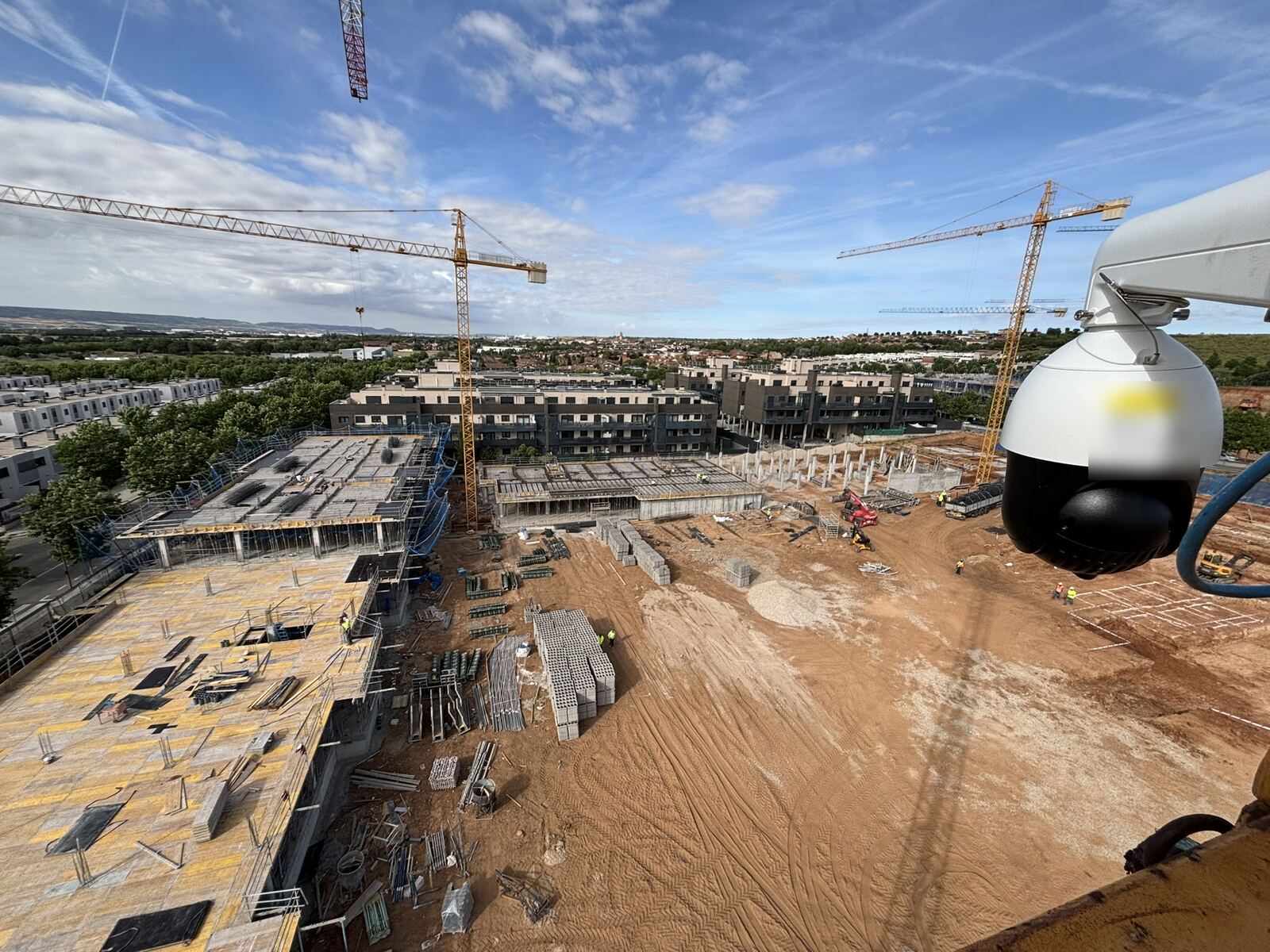
A wide catalogue, including 2K (4 MP) PTZ cameras with 25× zoom.
Live view from your computer or your mobile phone, wherever you are.
Every installation is designed around your site and what you need to see.
4G by default. We also adapt to your site's own connection, with a point-to-point link to the site office.
Open the panel on your computer, or the app on your phone, and you are looking at the works. Move the camera, jump to a saved view or go back to yesterday afternoon.
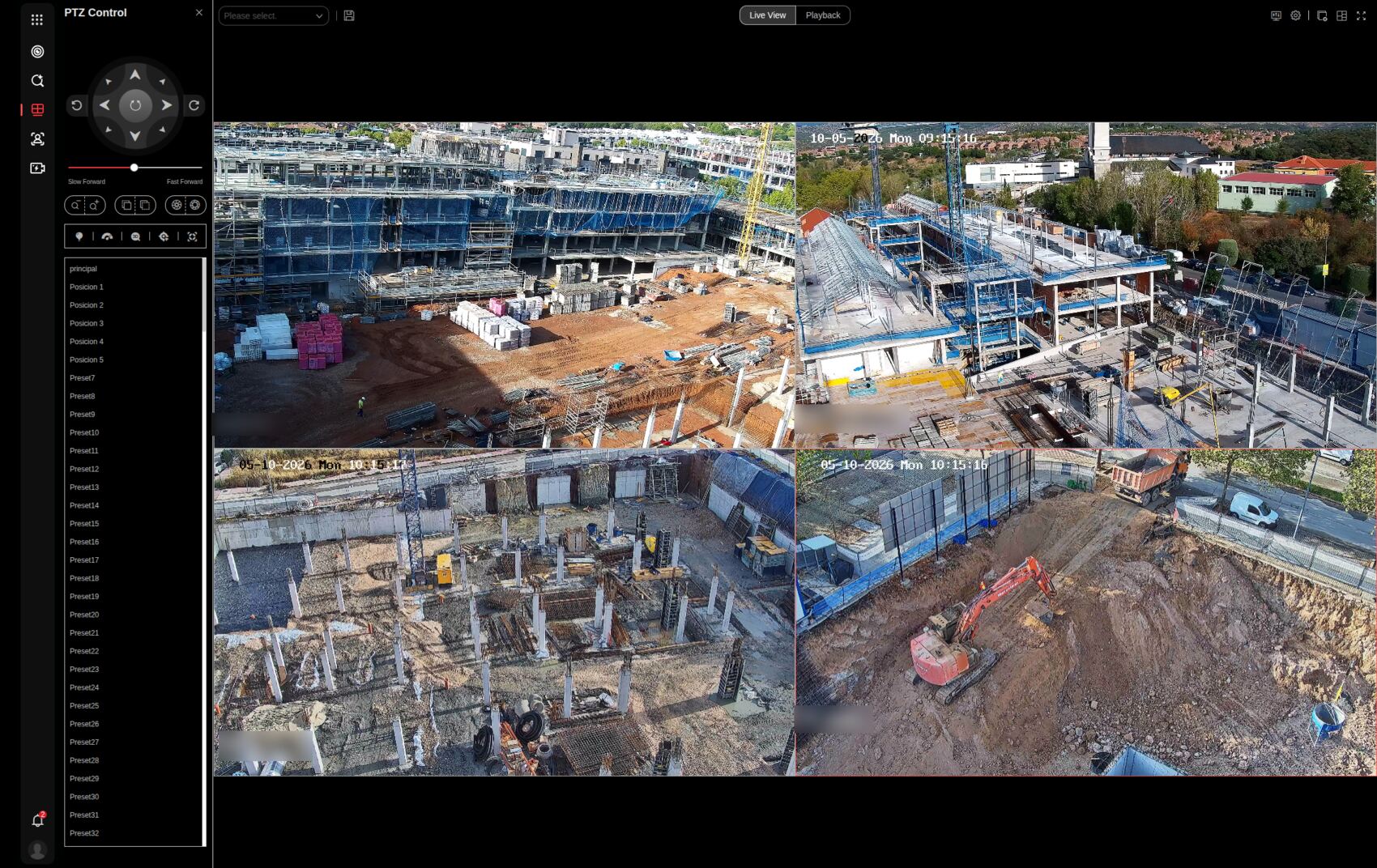
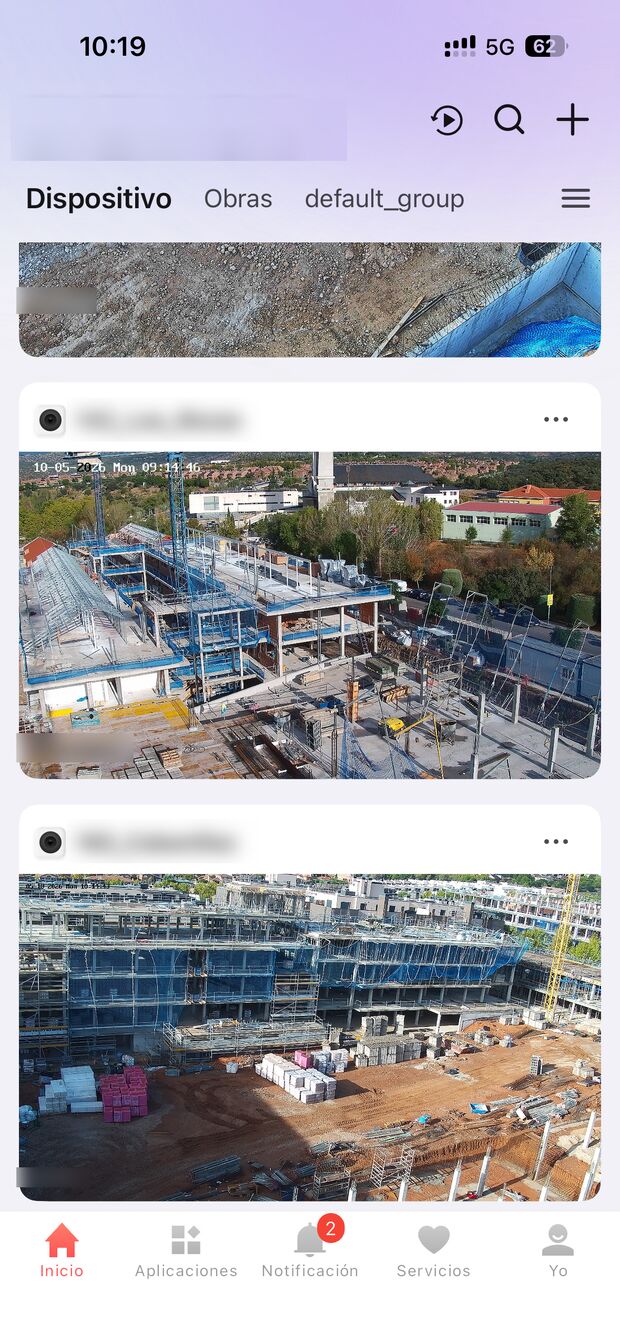
Switch between the live picture and the playback of earlier footage.
Pan, tilt and zoom from the panel, or go straight to a saved position such as the gate or a façade.
Follow several projects side by side without changing screen.
See how far the structure has got, whether a delivery has arrived or whether the crane is working, before you decide to drive out.
While the recording is kept, you can see when a delivery came in, how an area was left at the end of the day or how an incident happened.
Patrol mode starts by itself at the time you set: the camera moves through its saved positions on its own and records each one for a set time. Or leave it pointed at the place where materials are stored.
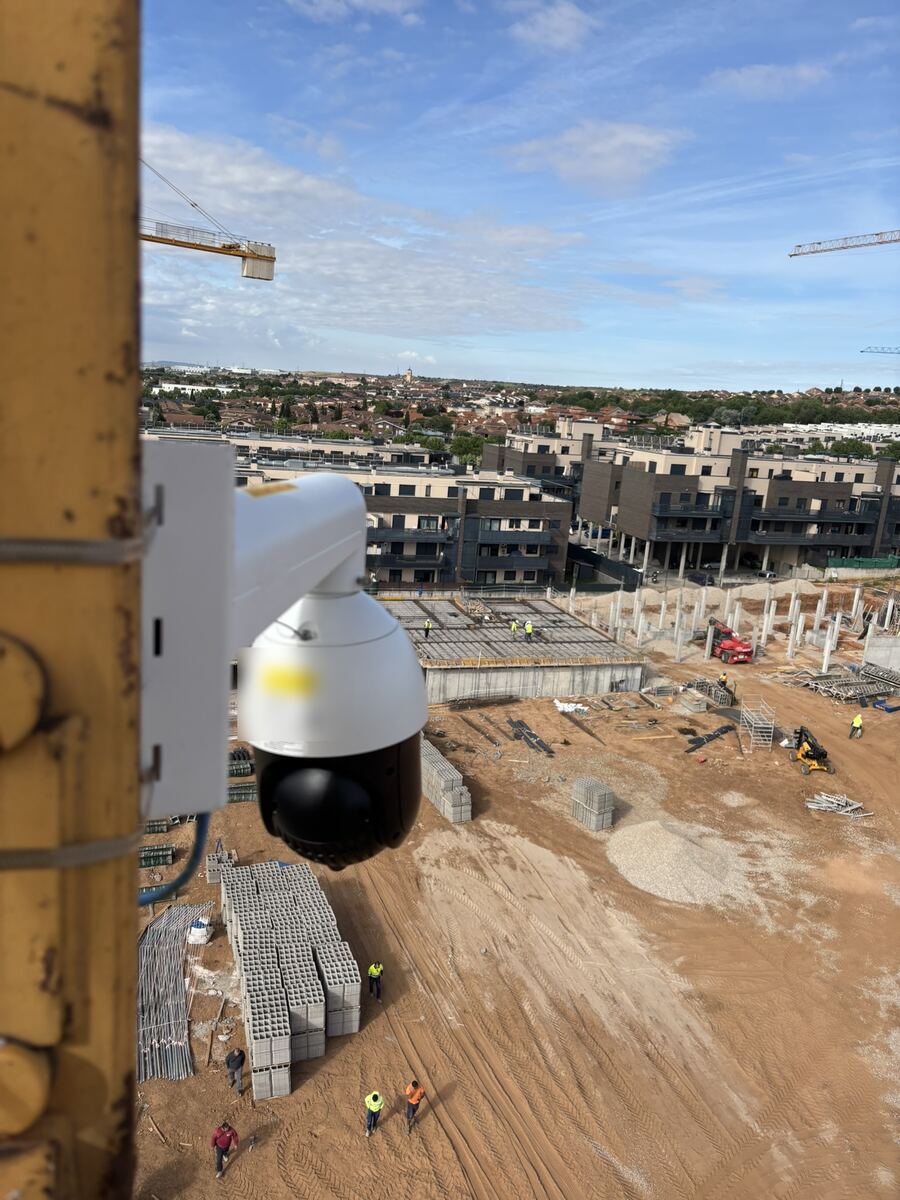
A 2K (4 MP) PTZ camera with 25× zoom on the mast. Sweep the whole plot, or zoom in on a single detail.
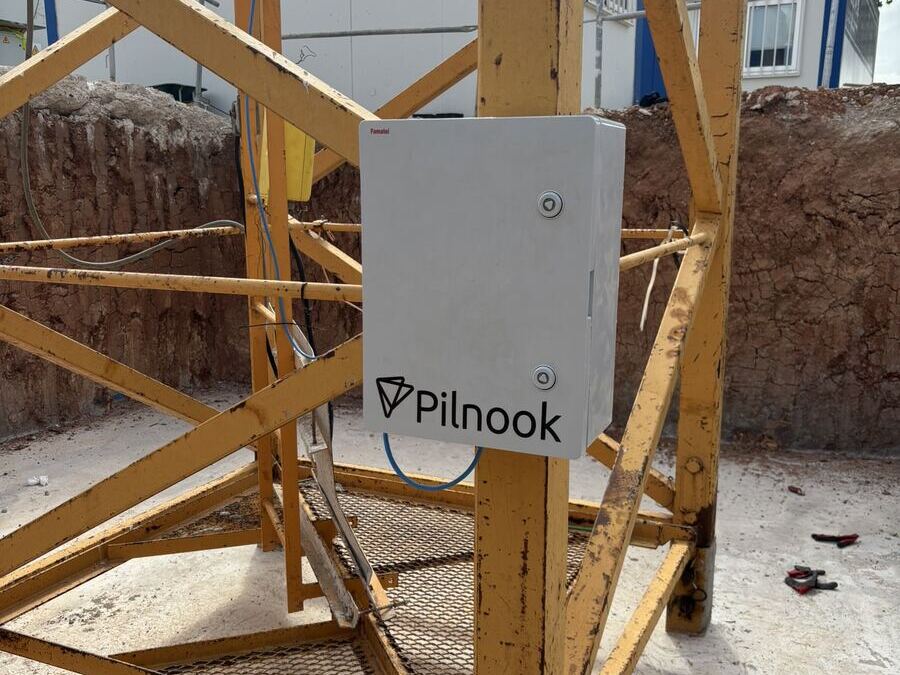
An IP65 enclosure with electrical protection, camera power and the router inside. One mains feed is all it needs.
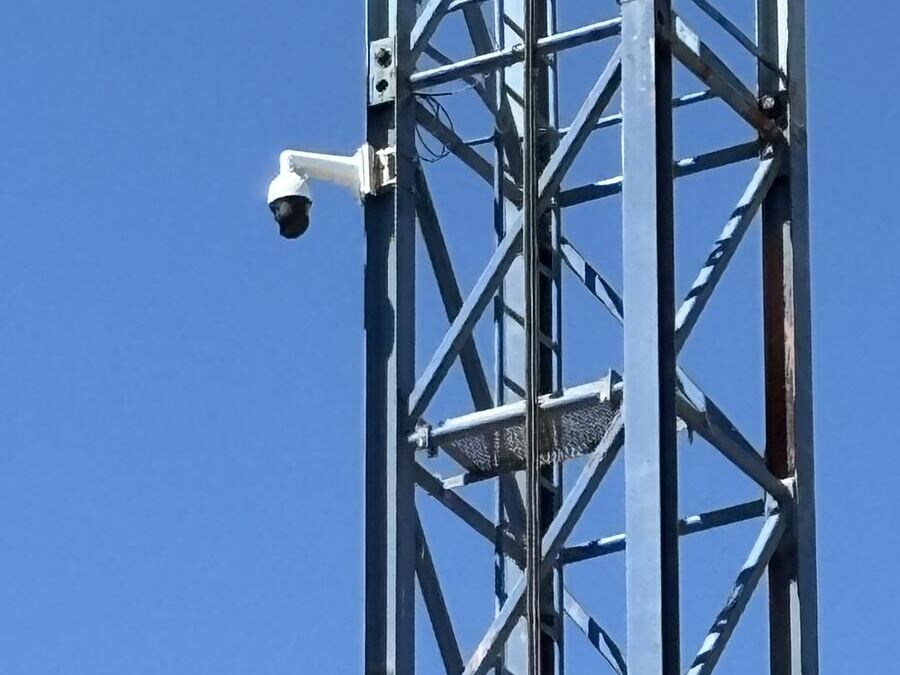
Pilnook is a registered telecom operator. Each kit comes with its own 4G line by default, or we connect it to your site office line with a point-to-point link.
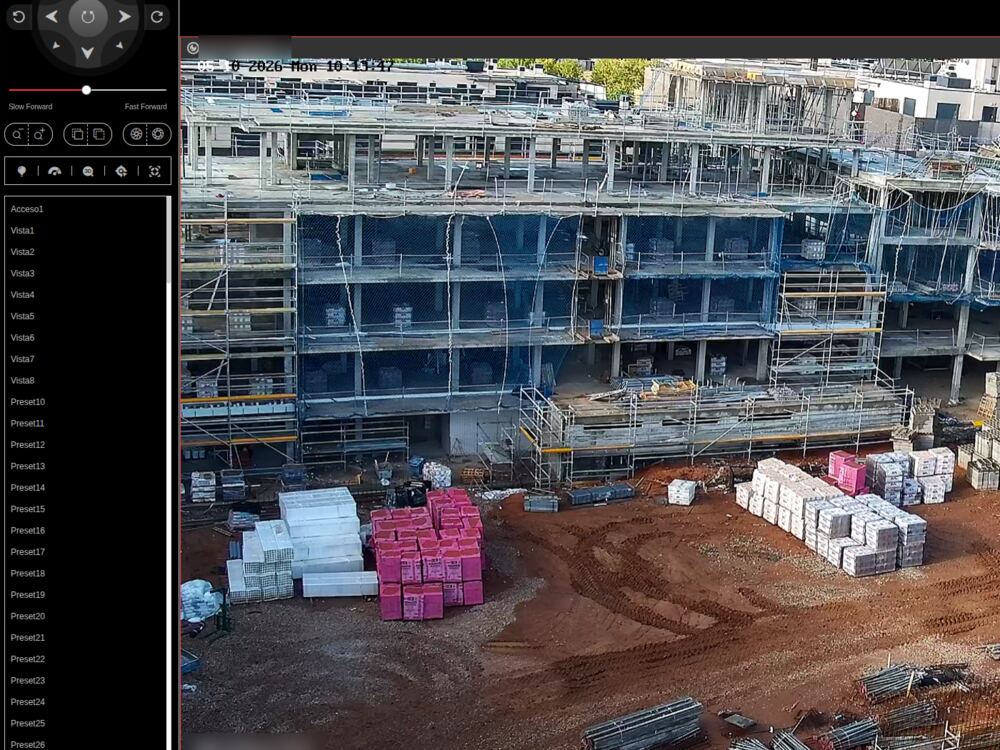
Site managers and head office open the camera from a phone or a computer, look back through recordings and export a clip for an insurer.
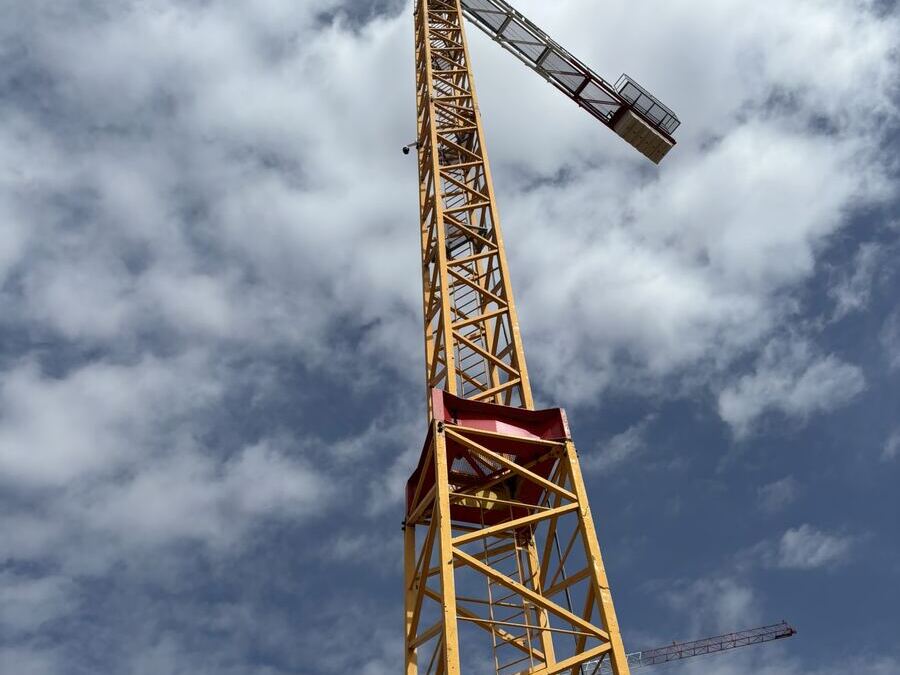
Our own technicians climb the mast with their own fall-protection equipment. No platform hire and no work for your crew.
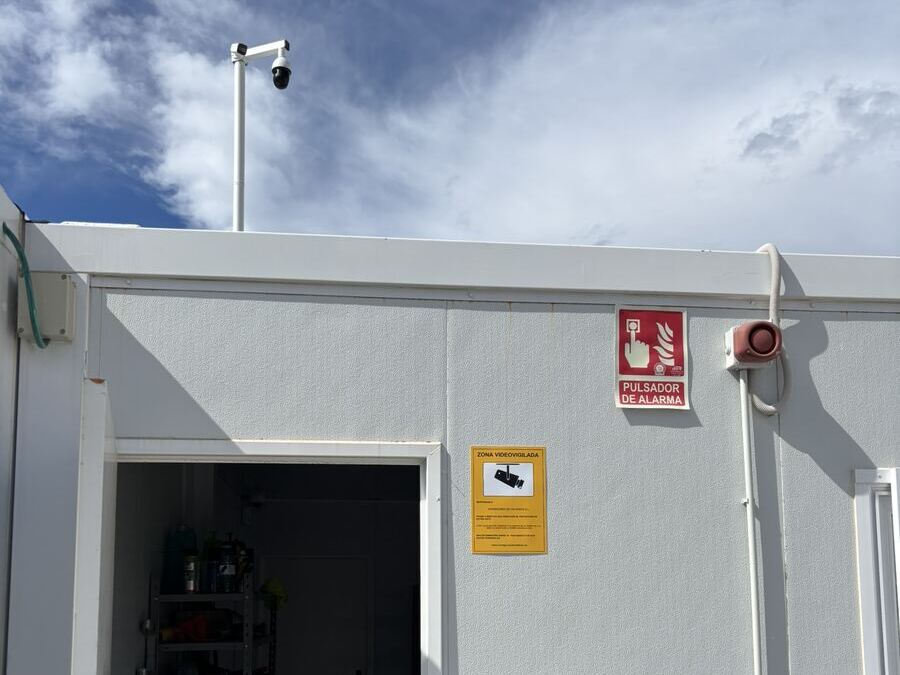
Warning signs, the record of processing, a risk analysis and the written notices for staff and subcontractors, prepared for each site.
We look at the plot, where the crane stands and where power is available.
Signage plan, record of processing and the notices your people have to receive.
Camera on the mast, cabinet at the base, one cable between them.
You get access on phone and desktop, and we show your team how to use it.
We keep the equipment running and can refit it on your next site when the crane comes down.
A camera that films workers is regulated in Spain by the GDPR and the LOPDGDD. We prepare what each site needs before the camera is switched on.
The information notice, with who is responsible and how to exercise your rights.
Notices for your own staff and for each subcontractor working on the site.
Recordings are overwritten within the legal limit unless a clip has to be kept as evidence.
The record of processing activities and a risk analysis, ready for an inspection.
No. By default the kit has its own 4G connection, supplied and managed by Pilnook. If your site office already has a line, we can use it through a point-to-point link.
Permission to mount on the crane and a mains supply at its base. We bring everything else.
You decide which of your people have access. Each access is personal, and you can add or remove people as the project changes.
For a limited period, and never longer than the month the law allows, unless an incident requires keeping a clip.
No. We are not a security company, and our systems do not alert the police.
We remove the equipment beforehand and can refit it on your next site.
It depends on the site: how many cameras, how long the project runs and how the crane is reached. After the assessment you get a fixed installation price and a monthly fee per camera, with connectivity and maintenance included.
Send us the location and where the crane stands, and we will come back with a proposal.

Connecting trust, innovation, and future.